
platform URL: VittRos Platform
You can access the platform as guests or as registered users. When you land on the platform, this landing page will appear:
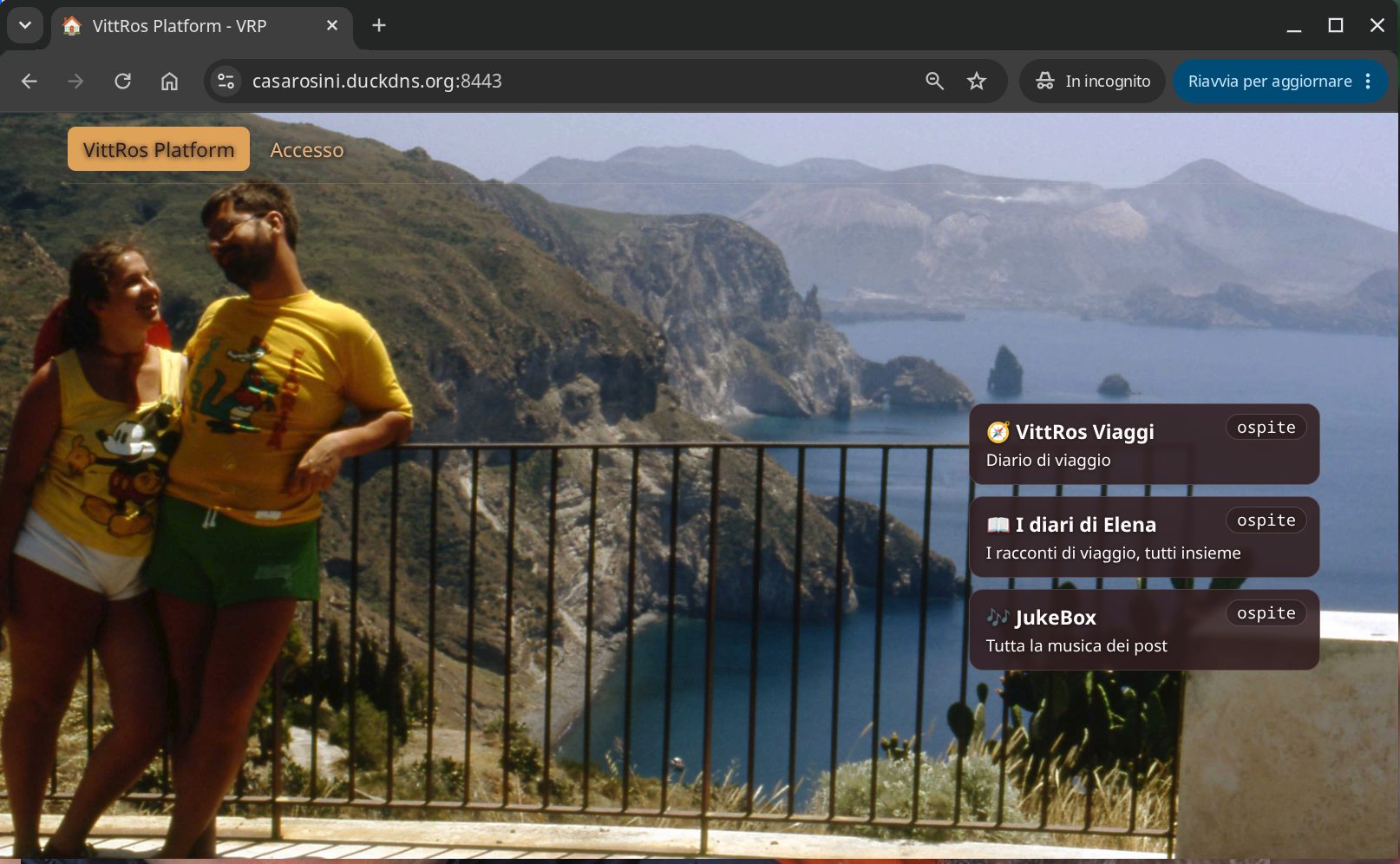
On the right are the postcards: click one to enter the diary (VRV), Elena's stories, or the music. They are common, with some limitations, to the services accessed when logged in.
At the top is the "Access" button: used to log in with your username and password.
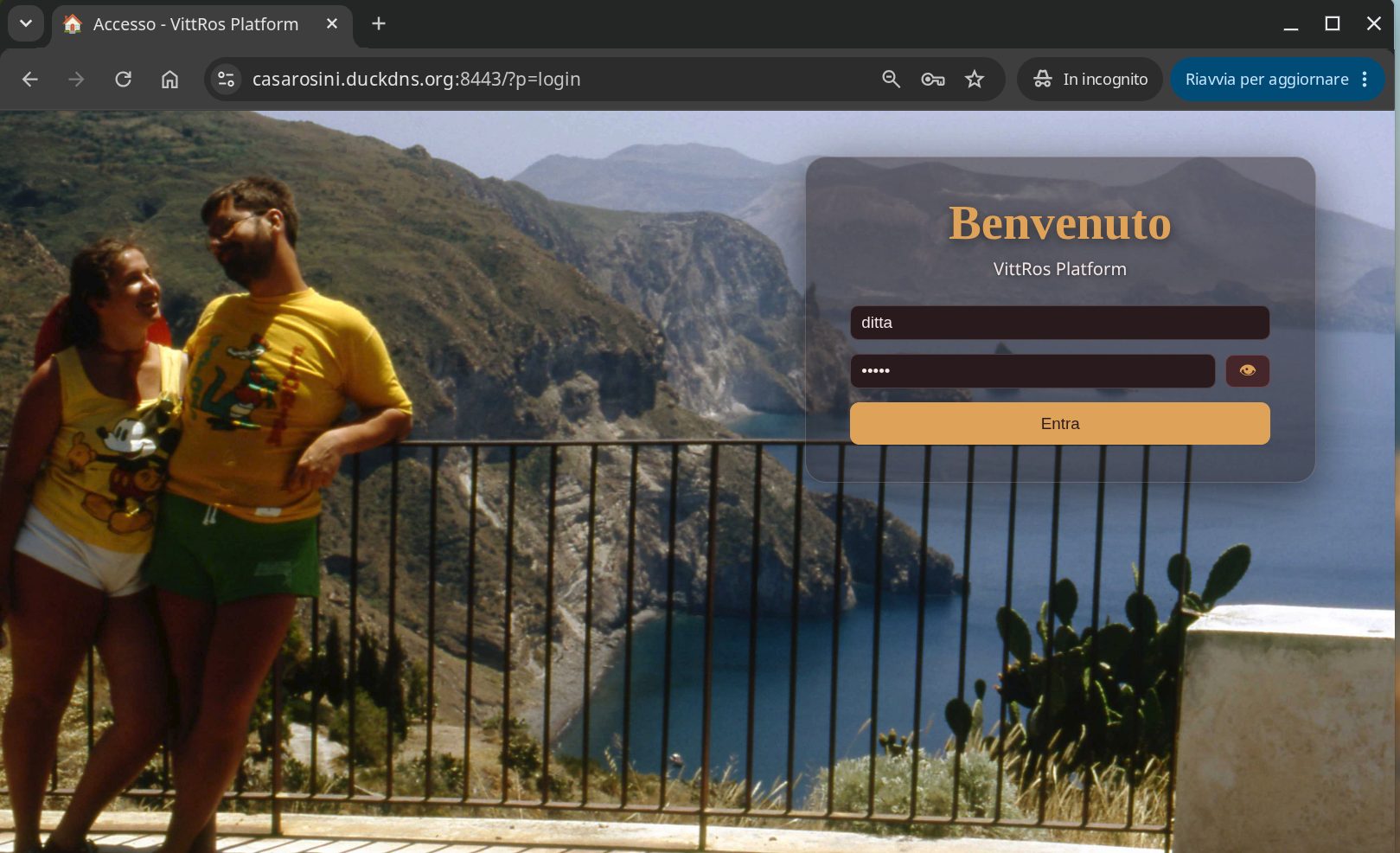
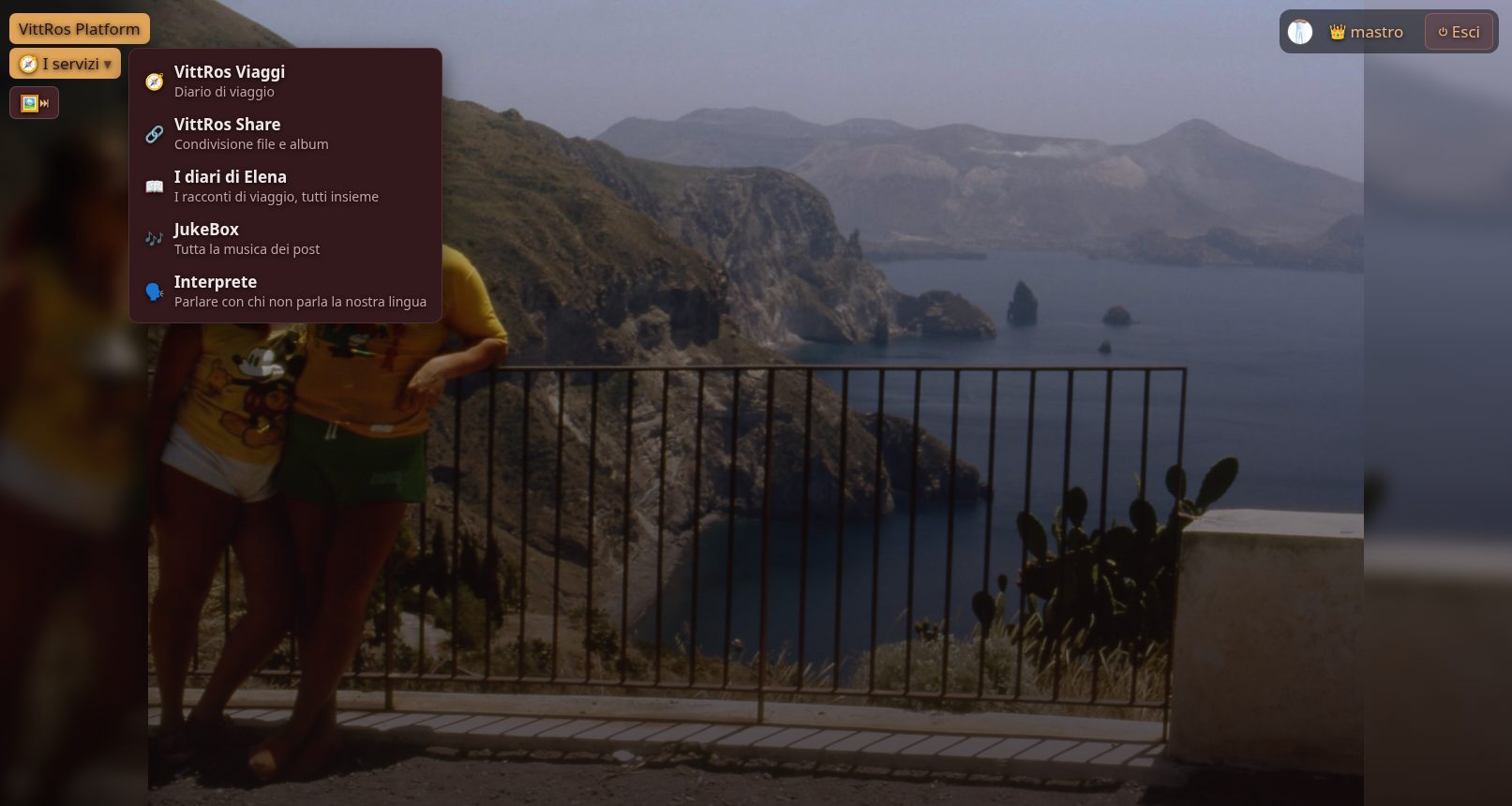
After logging in, the page looks like this:
in the top right (1), the zoomable photo of the logged-in user, the badge with the name and the icon identifying the user type, and the button to close the session.
Then, on the left, the «🧭 I servizi» (services) menu (2): click it to see all the services you have access to, each one opens in its own tab:
- VittRos Viaggi, all articles by Vitti and Elena
- VittRos Share, for file sharing with other users
- Elena's Diaries, a shortcut to travel diaries written by Elena
- JukeBox, to listen to the music contained in the articles and in VittRos Viaggi
- Interpreter, for those who do not speak our language
Clicking the user's name opens the user configuration menu:
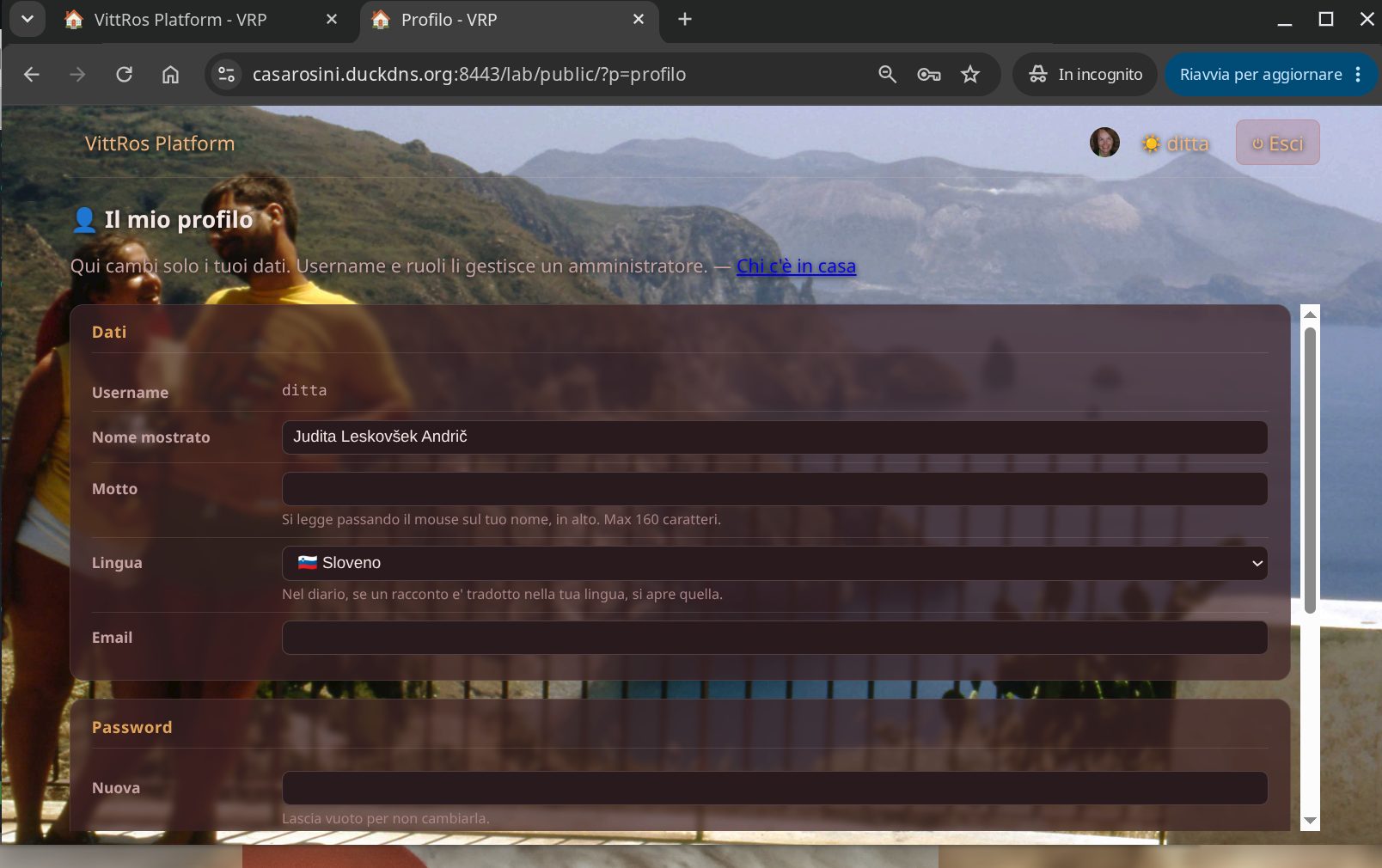
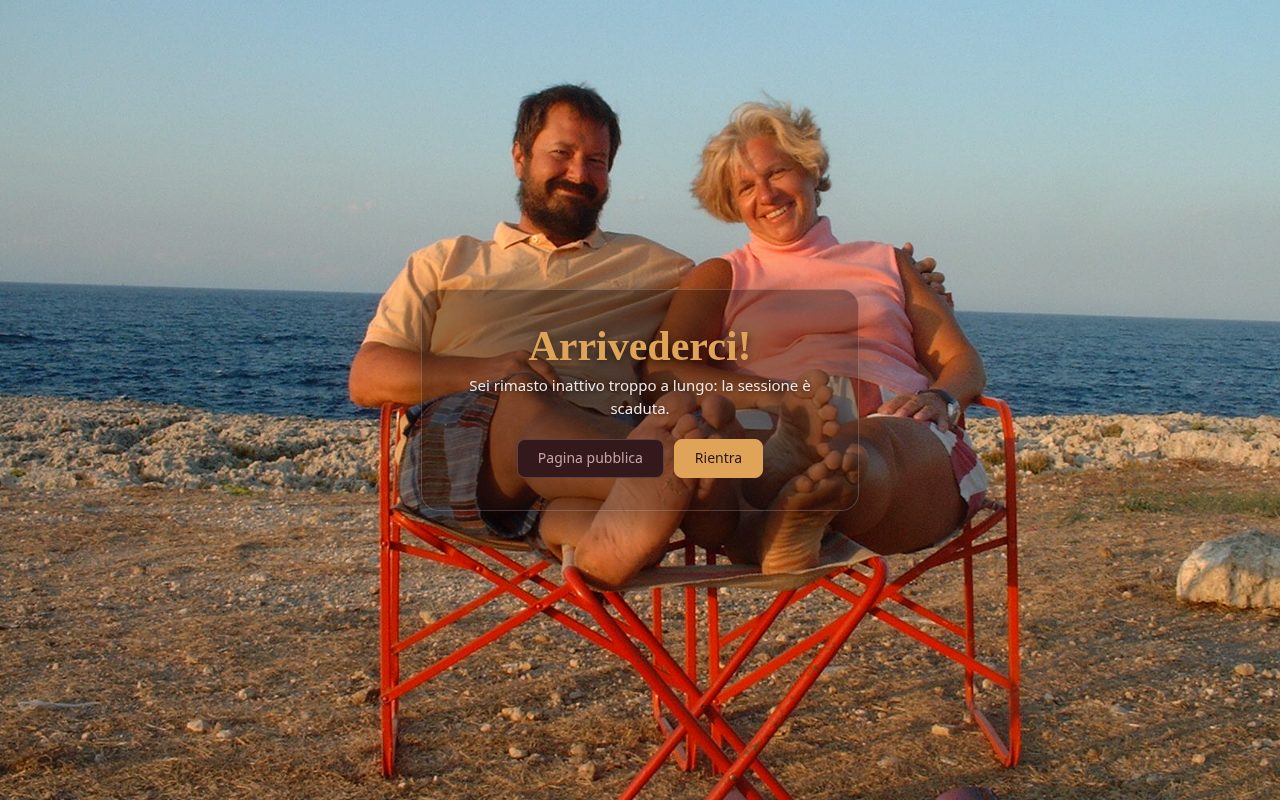
The logout button closes the session both on the profile page and on the session page, and takes you to the courtesy page for a new login:
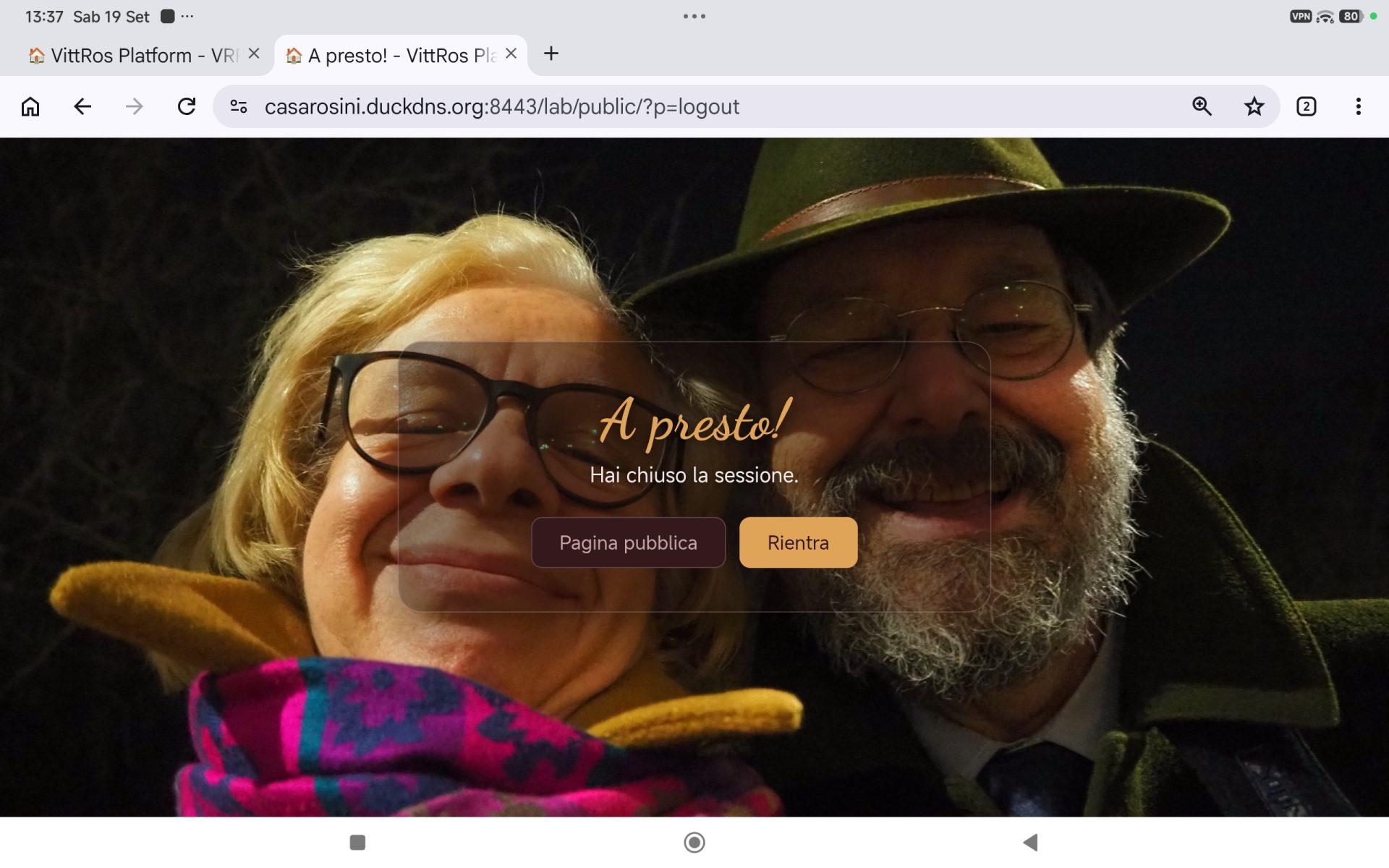
When the session timer expires, 30 minutes, the session is automatically closed and the courtesy page appears: